
yourshop
1,204 likes
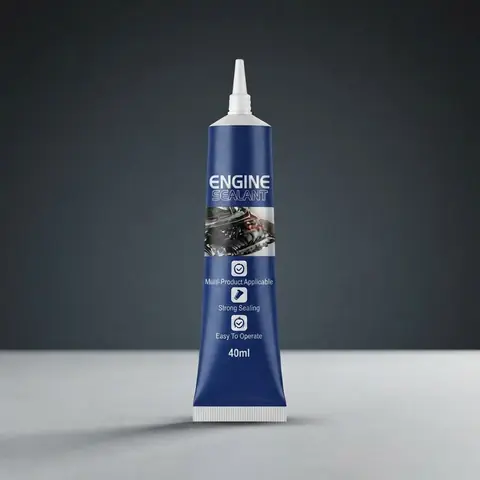
yourshop Fresh from the catalog. Made with the Studio Product Photography flow.
The angle
A product story for Mastodon
Create thoughtful product updates for the people following your shop, from a new item to a closer look at how it fits into daily life.
Before you schedule
Review the wording for your community and choose your connected Mastodon account.
From Shopify product to Mastodon post
1
Connect Shopify
Connect your Shopify store and bring your product photos and details into Ecomello.
2
Choose a creative starting point
Pick a template below and customize the prompts for your brand. Use your product details to create content for Mastodon.
3
Review and schedule
Connect your Mastodon account, review the generated content, and choose when the post should go out.
Start with a template
Use these as creative starting points, then adapt the output and publishing steps for your account.