
 Save
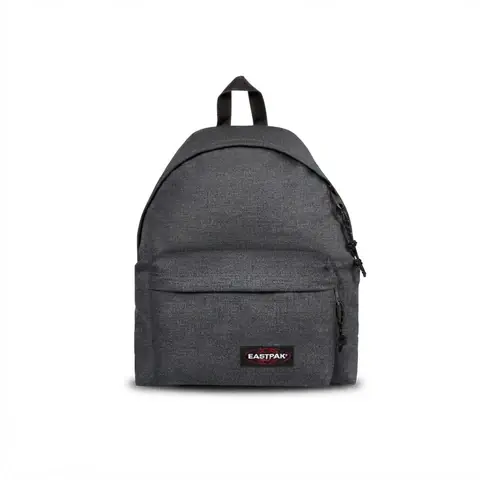
SaveFresh from the catalog. Made with the Clean Product Shot flow.
Your Shop
1,204 saves
The angle
A product story for Pinterest
Create product imagery that helps shoppers picture an item in their wardrobe, home, or everyday routine.
Before you schedule
Prepare your product image and description, then choose the destination board for your Pin.
From Shopify product to Pinterest post
1
Connect Shopify
Connect your Shopify store and bring your product photos and details into Ecomello.
2
Choose a creative starting point
Pick a template below and customize the prompts for your brand. Use your product details to create content for Pinterest.
3
Review and schedule
Connect your Pinterest account, review the generated content, and choose when the post should go out.
Start with a template
Use these as creative starting points, then adapt the output and publishing steps for your account.