
How to generate better product images
July 22, 2026 · 6 min read
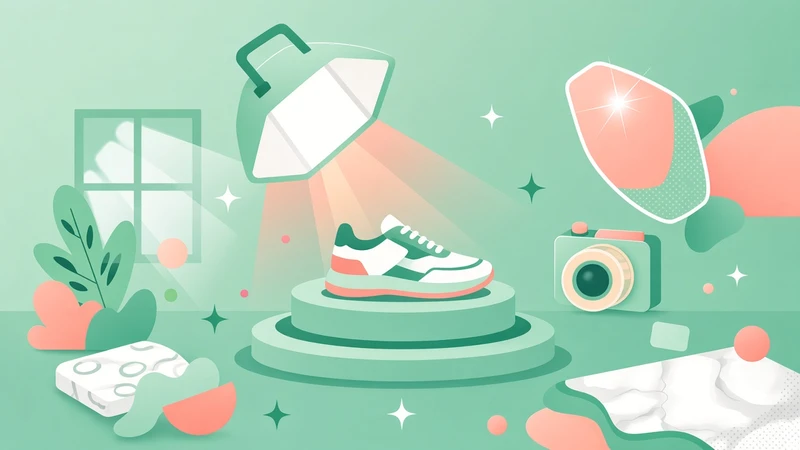
Great product images start with a clear scene, not a long wish list. Creative Studio works best when your prompt describes the world around the product: where it sits, what light hits it, how the camera frames it, and (when a person is in the shot) how they hold or wear it. Leave the product itself alone. The reference photo already carries the look, color, and shape.
The fastest path is prompt suggestions. When you generate suggestions for a product, Creative Studio picks visual archetypes from your product category and fills in the art direction for you. A sneaker might get an urban street shot with a lower-body model, a watch a hand close-up, skincare a clean bathroom shelf, and furniture a styled room. You still get a short scene sentence to edit, but the setting, surface, lighting, camera, and pose are already planned for that category.
Think of an archetype as the how of the photo. Human archetypes (full body, upper body, face close-up, hand model, lifestyle, fitness) put a real person in the frame and need an avatar. Product archetypes (studio hero, floating product, flat lay, macro, luxury studio) keep the focus on the item alone. Environment archetypes drop the product into a desk, kitchen, bedroom, outdoors, or similar place where someone would actually use it. Specialty shots cover things like wall mockups, gaming setups, food, and drinks.
Those category rules are why suggestions feel on-brand with less effort. Fashion leads with person-led shots, electronics lean toward desk and studio, baby and pet products land in soft lifestyle scenes, and tools belong in a workshop. Some categories even fuse two ideas into one frame, like sneakers on a street with a lower-body model. Suggestions also attach the right archetype behind the scenes so the renderer follows that plan.
If you write the prompt yourself instead of using a suggestion, that category art direction is not applied. Creative Studio falls back to a generic studio product shot, or a simple lifestyle model shot when you include an avatar. The image can still look good, but only if your prompt carries the missing detail: setting, surface, lighting, camera angle, and (for people) a natural pose.
A strong manual prompt is one natural sentence, roughly fifteen to fifty words. Always include @product where you mean the item. Add @avatar only when a person should appear, and mention them holding, wearing, or using the product. Describe real light and real surfaces. Soft window light on marble, three-quarter hero frame, top-down flat lay on linen, waist-up portrait with diffused beauty light. Skip surreal floating props, extra products, logos, captions, and any rewrite of the product colors or shape.
Borrow the same checklist the archetypes use. Setting: studio sweep, kitchen counter, city street, nursery. Surface: plinth, wood desk, pavement, bedding. Lighting: softbox, golden hour, spa-like morning light. Camera: centered hero, tight macro, head-to-toe, three-quarter desk frame. Pose, when needed: mid-stride, hand holding the product, casually using it. Name those pieces and a freeform prompt can rival a suggestion.
Match the scene to how the product is sold. Jewelry and watches love tight hand or macro frames. Activewear wants energy and movement. Home decor belongs in a lived-in room. Coffee and snacks look better close, warm, and appetizing. When you are unsure, generate suggestions first, pick the closest scene, then tweak one or two words so it still sounds like your shop.
Keep one job per image. One product, one clear mood, one camera idea. If a shot feels flat, add lighting and surface before you add more objects. If it feels busy, remove props and tighten the frame. Use suggestions when you want category-smart archetypes for free. Write by hand when you already know the exact scene, and pack that scene with the details the fallback archetypes will not supply.